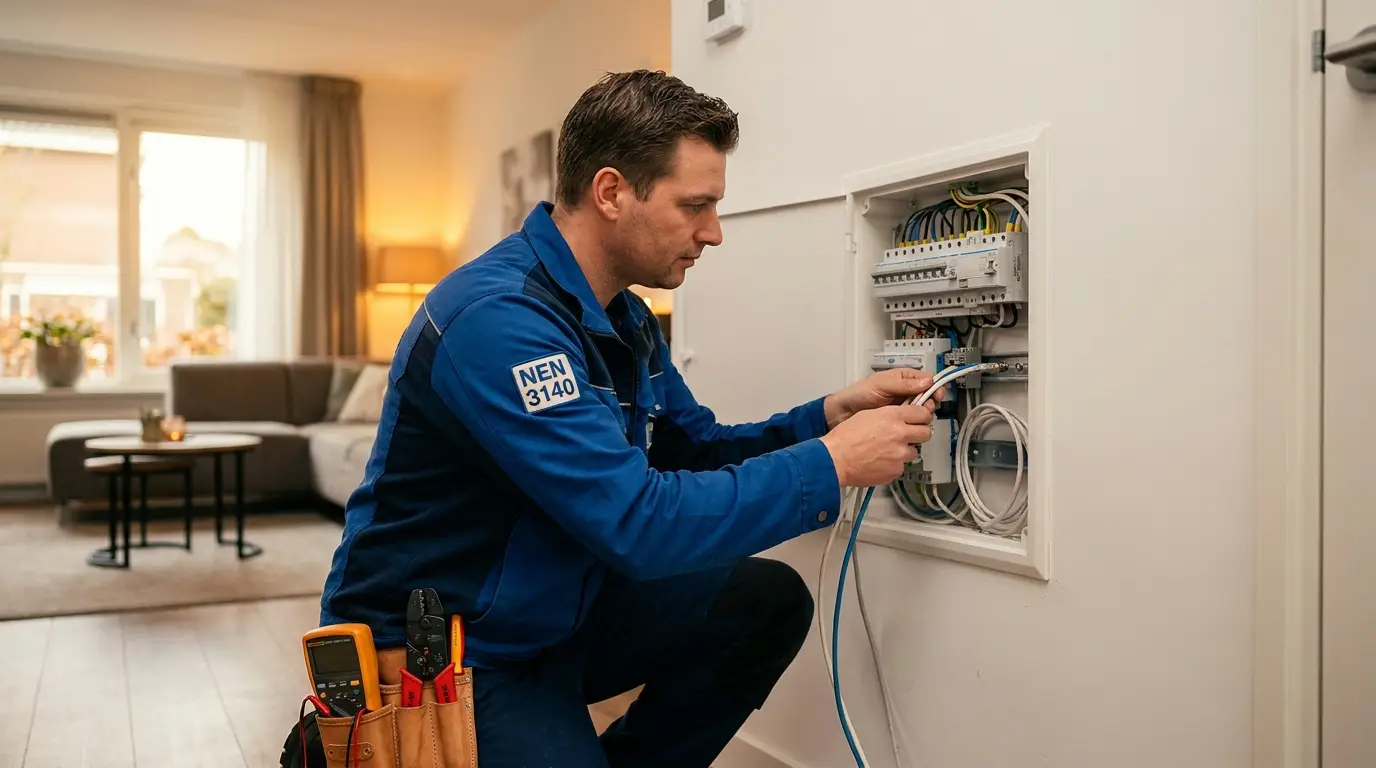
Cost of installing data cabling (UTP, coax): everything you need to know
Installing or repairing data cabling involves concealing UTP network cables, coax cable, or internet lines through walls, ceilings, and floors. The cost depends on the type of cable, the length of the cable route, and how accessible the empty conduits are. A contractor works neatly and makes sure you get a certified connection.
In this article
- ›What does installing data cabling cost?
- ›Prices by type of cabling
- ›Material and labor costs
- ›Hire a contractor or do it yourself?
- ›How does the installation work?
- ›Money-saving tips for data cabling
- ›Frequently asked questions
Need a contractor for this?
Describe your job and get quotes from contractors near you.
average price
€350
1 network connection including cable and labor
average hourly rate
€55
contractor hourly rate (€45–65/hour)
turnaround time
0.5–2 days
depending on number of connections
€ Average price by type
| Cabling type / job | Range | Average price |
|---|---|---|
| Single repair of existing cabletesting the cable, replacing a splice or connector | €70 – €180 | €120avg.incl. labor |
| Adding 1 network connectionpulling Cat6 cable through an existing empty conduit, installing a wall box | €150 – €400 | €280avg.incl. installation |
| 3–5 connections (most popular)UTP Cat6 network for living room, bedrooms, and workspace | €450 – €900 | €650avg.incl. installation |
| Whole-home cabling with patch cabinet6–12 connections, patch panel in meter cabinet, testing, and labeling | €800 – €1,800 | €1,200avg.incl. installation |
| Replacing or extending coax cablereplacing outdated coax lines for cable TV or modem | €100 – €350 | €200avg.incl. installation |
Prices are estimates and exclude VAT; the final cost depends on the cable length, the type of cable, and how accessible the cable route is. Based on Google price research.
Material and labor costs
Electrician hourly rate averages €45–€65/hour excluding VAT. Larger jobs (5+ connections at once) are usually quoted at a lower rate.
Hiring a contractor vs. doing it yourself
| Job | Do it yourself | Via a contractor | Savings doing it yourself |
|---|---|---|---|
| Mounting a cable raceway and laying cableAttaching a visible PVC cable raceway along the baseboard or wall and neatly laying UTP Cat6 cable up to a wall jack | DoableNo special tools or networking knowledge needed; cable raceways simply click into place and you lay the cable loosely inside | €20–€70 materials | up to €150 |
| Pulling cable through an existing empty conduitUsing an existing conduit in the floor or wall to pull a UTP or coax cable from one point to another | With experienceYou need a fish tape or fish rod and need to know how to attach a cable to an existing line; a blocked conduit or tight bend can cost you hours | €10–€30 materials | up to €200 |
| Crimping RJ45 connectors and connecting keystone modulesTerminating UTP cable ends correctly, testing for correct pairing (T568B scheme), and punching down into a wall box or patch panel | With experienceA crimping tool costs €20–€60; with the wrong wire order you end up with a silent fault that a simple tester won't always find | €20–€50 tools + materials | up to €100 |
| Drilling through walls, floors, or ceilings for concealed cablingCreating new cable routes through concrete or masonry structural elements, including installing a conduit | Not recommendedRisk of hitting hidden electrical wiring or water pipes; a contractor uses a detector and knows the structural risks | Included in contractor price | No recommended savings |
| Setting up, labeling, and testing a patch cabinetMounting a patch panel in the meter cabinet, punching down all cables in order, labeling, and testing the entire network for crosstalk and signal transmission | Not recommendedRequires a calibrated network tester (rental €50–€100/day) and knowledge of structured cabling; a badly punched patch cabinet degrades the performance of all connections at once | Included in contractor price | No recommended savings |
For visible cabling in cable raceways (for example in a basement, boiler room, or utility room), you can do a lot yourself and save quite a bit. Laying cable and mounting raceways doesn't require any special certification and is very doable if you're handy. As soon as cables need to run hidden through walls, floors, or ceilings, though, a certified electrician is essential: drilling in the wrong spot can hit hidden electrical wiring or water pipes, which is hard to avoid without detection equipment. Setting up and testing a patch cabinet also takes expertise and professional test equipment: a mistake in the patch panel drags down the performance of the entire network and is hard to trace without a tester.
The full process step by step
Assessment and planning cable routes
The electrician walks past all the desired connection points, determines the shortest concealed route through existing empty conduits or new channels, and checks whether there's enough room in the conduit. Based on this, they draw up a materials list with the required cable length, the number of wall boxes, and the type of patch panel.
30–60 min
Detection and drilling feed-through holes
For each new cable route, the contractor uses a cable and pipe detector to check that no electrical wiring or water pipes run through the drilling zone. Feed-through holes are then drilled at the right diameter and conduits are installed to protect the cable and make future replacement easier.
30–90 min
Pulling UTP or coax cable
Using a fish tape or fish rod, the cables are pulled through the empty conduits. The contractor takes the minimum bend radius of Cat6 cable into account to avoid damaging the wire pairs. Cables are cut to the right length, with a little slack at both ends for terminating.
1–4 hours depending on number of connections
Installing wall boxes and connecting connectors
Keystone modules are punched down according to the T568B scheme and mounted in the wall box. On the meter cabinet side, the cables are punched down in order into the patch panel. For coax cable, F-connectors or IEC plugs are fitted and checked for continuity.
1–3 hours
Testing and certifying the network
Each UTP line is measured with a network tester for correct pairing, crosstalk (NEXT), return loss, and maximum transmission speed. Cables and ports are labeled with numbering that matches the patch panel, so future changes are easy to trace.
30–60 min
Handover and instructions
The contractor demonstrates all connection points, hands over the test report, and explains how to connect switches, routers, or access points to the new network. They give advice on possible expansion or adding extra connections later through free patch panel ports.
15–30 min
6 smart money-saving tips
Frequently asked questions
What does installing data cabling cost on average?
On average €280–€650 for 1–3 connections including materials and labor. A whole home with a patch cabinet costs €800–€1,800.
How long does installing data cabling take?
A single connection takes 1–3 hours. A complete installation with 5–10 points takes 1 to 2 workdays.
Do I need a permit for data cabling?
No, data cabling in a home doesn't require a permit. The installation does have to meet NEN standards (Dutch technical standards); a certified contractor takes care of this.
Can I install data cabling myself?
Surface cabling in cable raceways is something you can do yourself. Pulling cables through walls, floors, or ceilings and crimping connectors takes skill; mistakes lead to poor connections or time-consuming troubleshooting.
What's the difference between Cat5e, Cat6, and Cat6A?
Cat5e is outdated (max. 1 Gbit/s). Cat6 is the current standard (1 Gbit/s up to 55 m, enough for a home). Cat6A supports 10 Gbit/s and is future-proof, but costs more to buy and install.
What does an electrician charge per hour for data cabling?
An electrician usually charges €45–€65 per hour excluding VAT. For larger jobs (several connections at once), the hourly rate is often slightly lower.
Related jobs
Ready to have your data cabling installed professionally?
Describe your job and get quotes from verified electricians near you.
Within 24 hours
response from a contractor
Verified
all contractors checked
Competitive price
compare quotes